Bitbucket Logs
Connect a Bitbucket Cloud workspace to record completed pipeline runs in the activity log. Use an Atlassian API token with the read:workspace, read:repository and read:pipeline scopes.
Bitbucket Logs requires the Advanced plan
Upgrade your plan to connect your Bitbucket workspace and track pipeline activity in your audit logs.
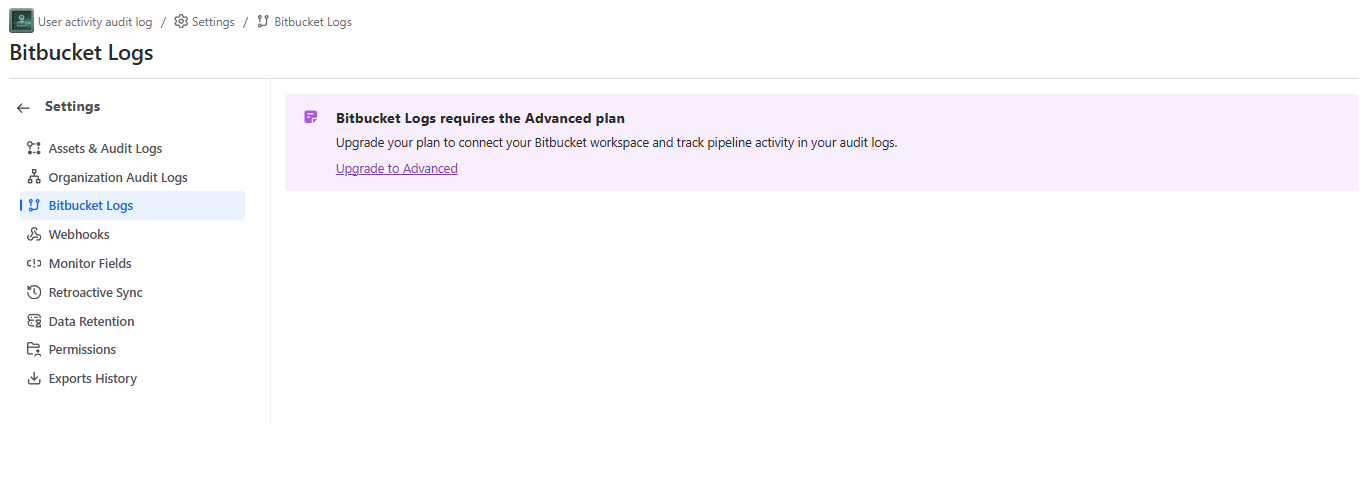
Once you upgrade to the advanced plan on your instance, you can configure the connection:
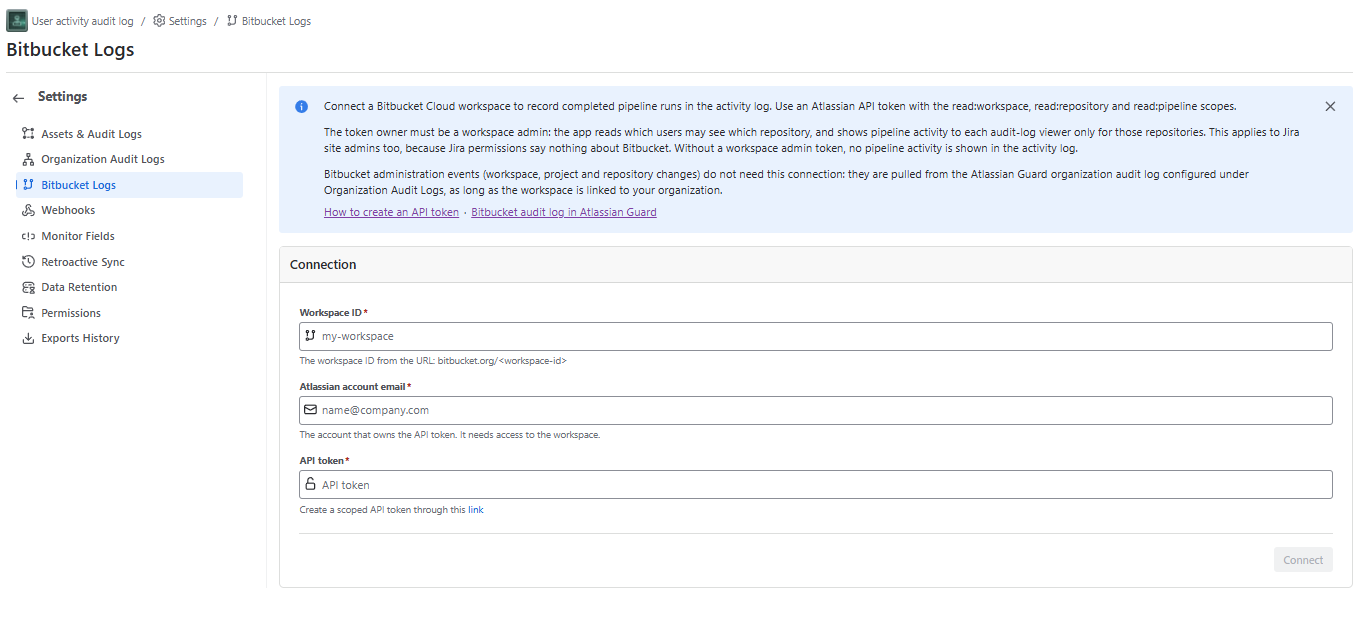
The token owner must be a workspace admin: the app reads which users may see which repository, and shows pipeline activity to each audit-log viewer only for those repositories. This applies to Jira site admins too, because Jira permissions say nothing about Bitbucket. Without a workspace admin token, no pipeline activity is shown in the activity log.
Bitbucket administration events (workspace, project and repository changes) do not need this connection: they are pulled from the Atlassian Guard organization audit log configured under Organization Audit Logs, as long as the workspace is linked to your organization.
Once the connection is successful, you will see a confirmation message:
