Restore Deleted Work Item
Restore Deleted Work Item
You can easily restore a deleted work item from the Detail view! To do so, click the “Restore deleted work item“ button and click “Restore“ in the confirmation popup:
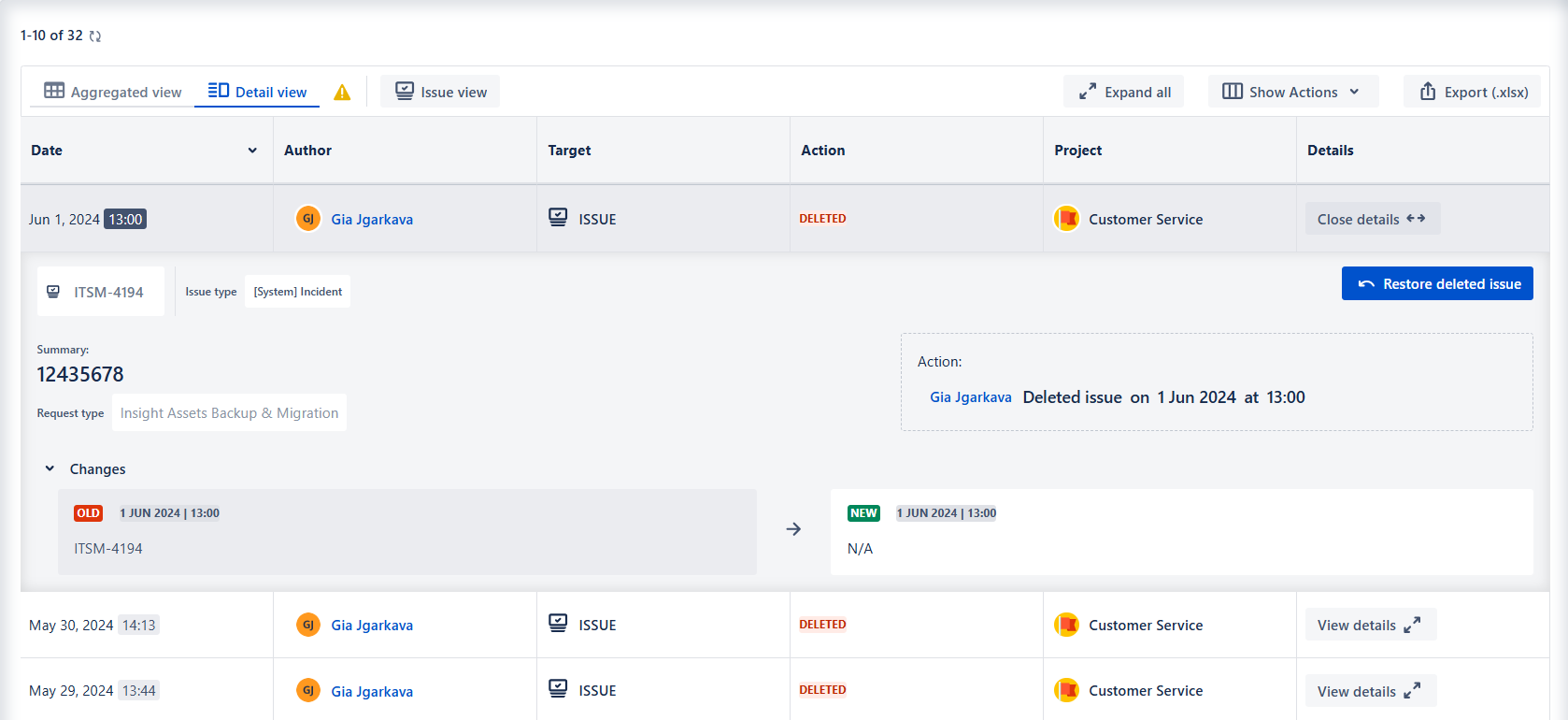
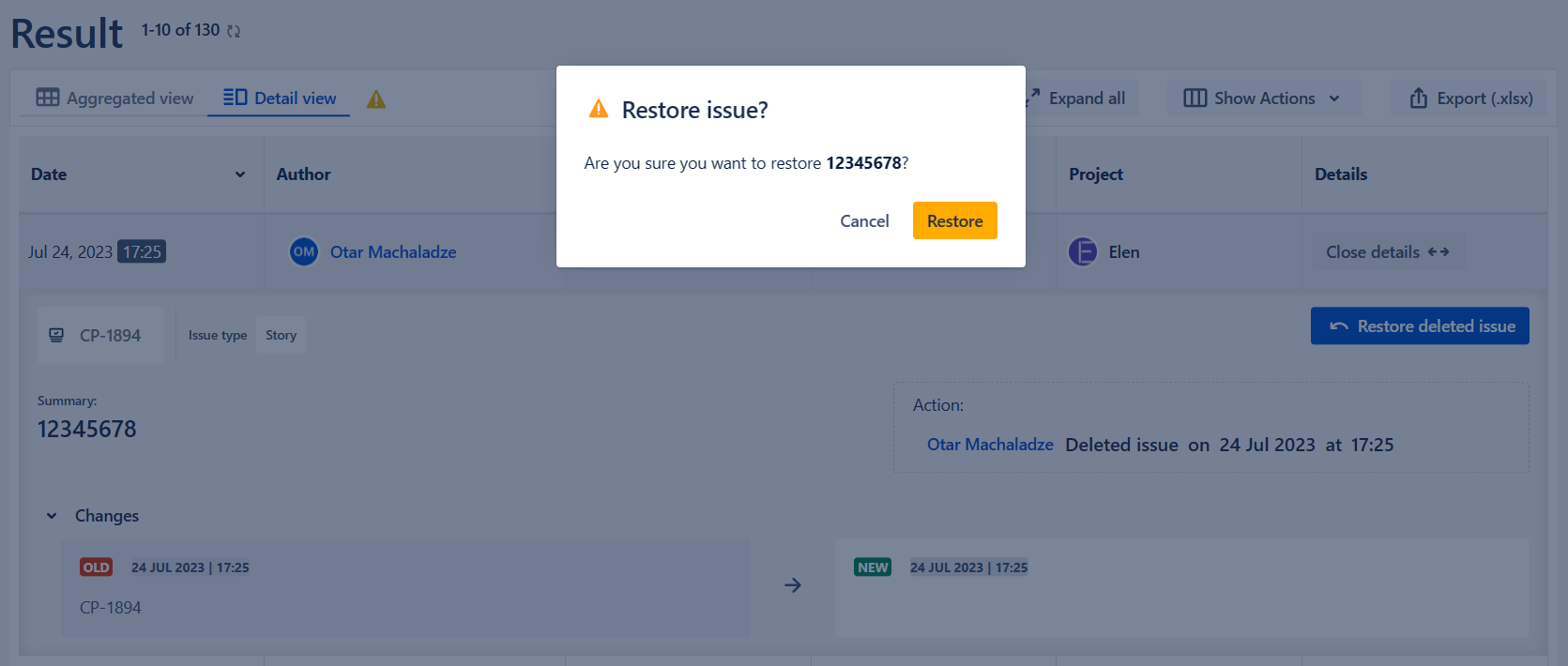
This will restore the work item with the system fields, custom fields can not be restored. Work item comments, history, and worklog will not be restored.
You can only restore the work items that were deleted after the app was installed. The restored work item will have a new IDm due to the limitation of the corresponding Atlassian API.