Work Item View
Work item view action logging is supported from version 1.0.23 (28 May 2024) onward. Earlier actions were not tracked."
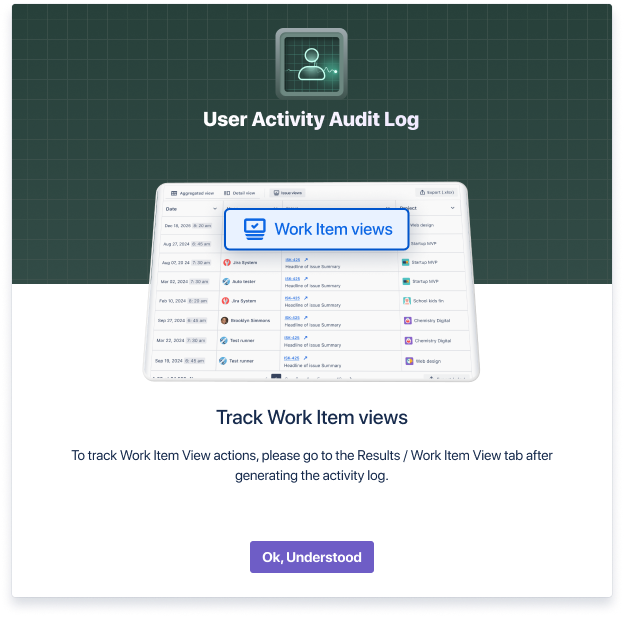
With the very first time after login the user in, you will see an announcement about the feature. After clicking the “OK, Understood“ button you will no longer see the notification.
You can track work items viewed by the users by clicking the Work item View tab in the Results grid. Work item view is considered when the user opens the work item either fully, in the right-side details or on the customer portal.
If a single work item is viewed several times during 5 minutes, this is considered as a single work item view. The Work item View actions for the work items with the Security Level, will not be visible in the list, unless the security level was applied before January 1st, 2022 and no actions were done in the work item before July 30th, 2024.
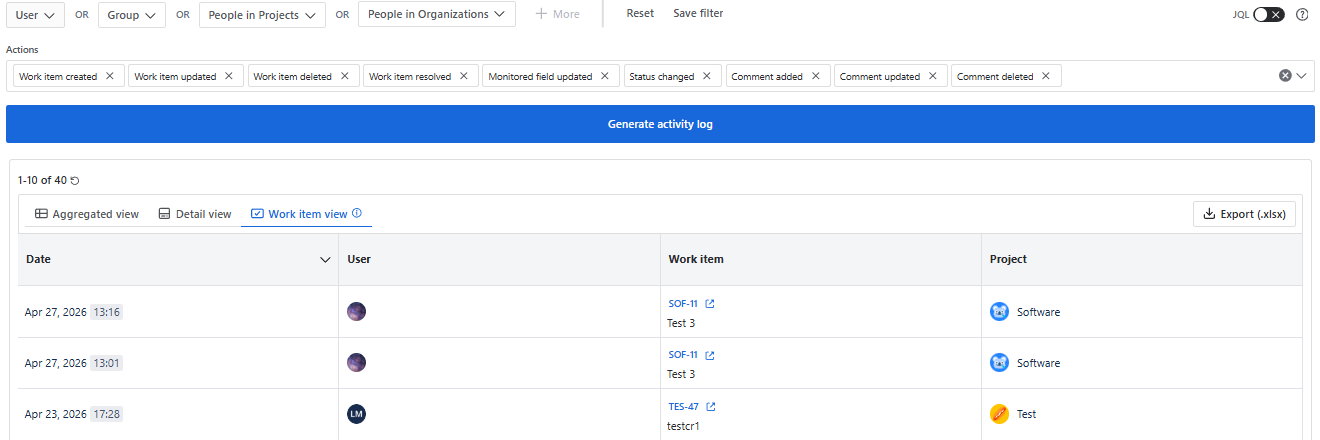
You can see the following information in the list:
Date
- The date/time when the issue was viewed in your time
User
- The user who viewed the issue
Issue
- Issue Key
- Issue Summary
Project
- Project of the issue
You can also export the Issue views in Excel format by clicking “Export (.xlsx)“ button.
You will see the work item View actions, only if your Jira user has Browse Projects permission for certain Projects/Work items
Who viewed the work item
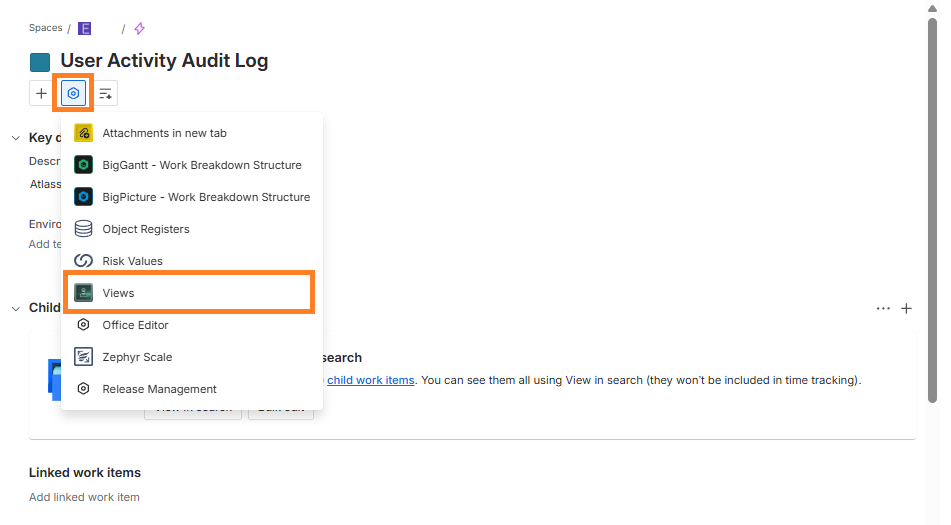
After installing the app on the instance, you can also see who and when viewed the work item, from the work item details. To do so, click work item “Actions” Icon and then click “Views”:
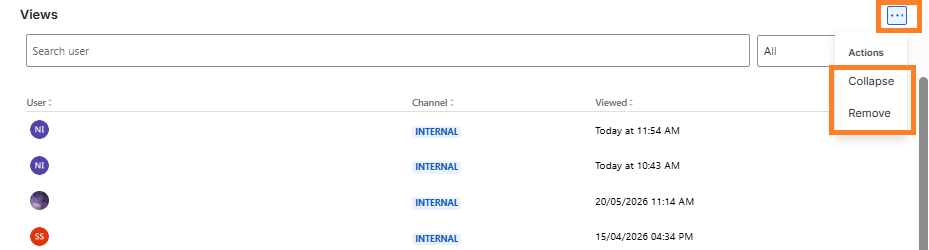
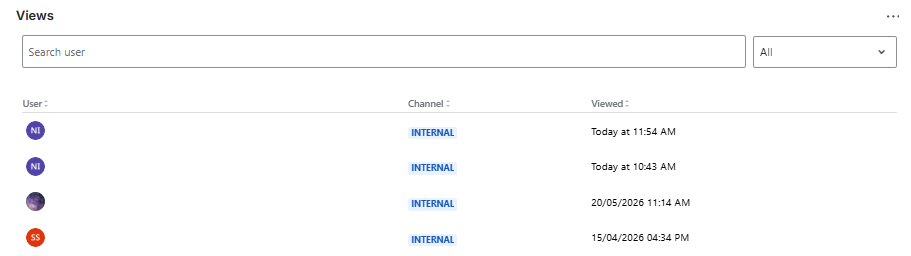
After clicking “Views” you will see view sections with:
User
- Username
Channel
- Portal
- Internal
Viewed:
- View Date & Time
Here you can search by username and filter by channel:
By clicking “Actions” you can “Remove” or “Collapse” Views section: