Monitor Fields
Monitor Fields
From here you can manage the fields, modification of which you want to log and track.
After installation of the app, the fields list will be empty, meaning no fields are monitored:
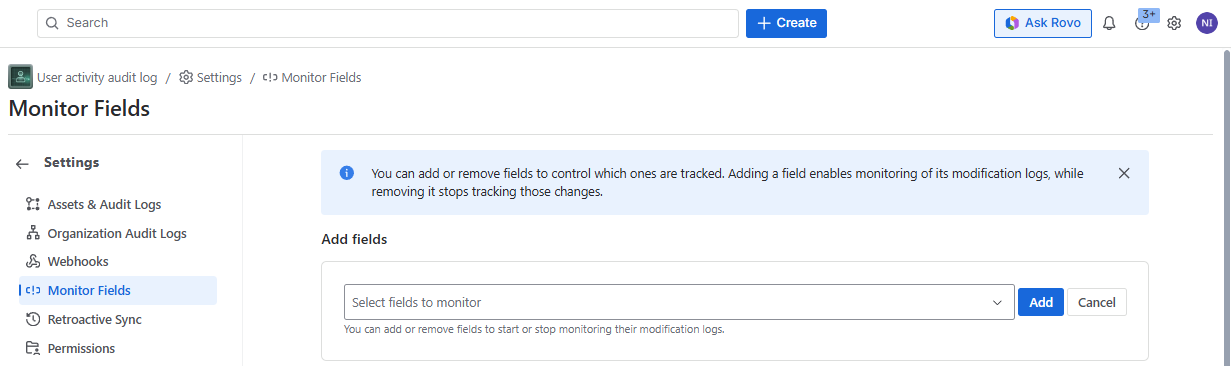
To add the fields in the list of the monitored field, search and select them in the Add fields dropdown field (you can select several fields simultaneously):
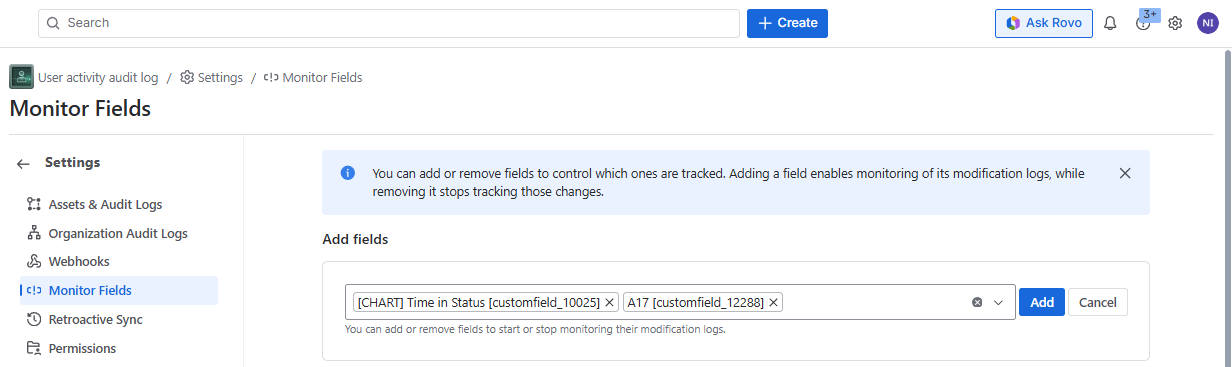
The dropdown includes the system and the custom fields. You can search the fields by the name or field ID. the fields already added to the monitoring, will not show up in the dropdown.
After the fields are selected, click the **”Add” **button and the selected fields will appear in the list under “List of fields“ :
The list shows:
- ID of the field
- Name of the filled
- Date when the field monitoring started
- You can remove the field from the monitoring