Export Results
Export Results
You can Export the results in the .xlsx format by clicking Export (.xlsx) button. You will see the confirmation popup and after clicking Yes, the file will be downloaded. The following fields will be exported:
| Date | Author | Target | Action | Project | Old | New | ID/work item Key * | Work item Type |
- Depending on the action may contain an work item Key, project ID, version ID, user ID, Sprint ID, etc.
Export history
From the app Header → Export history, you can view all the exports made by the users:
- File name
- Date
- Author
- [number of] Exported records
- Actions → View filter
Clicking View Filer button will show additional information about the used filters:
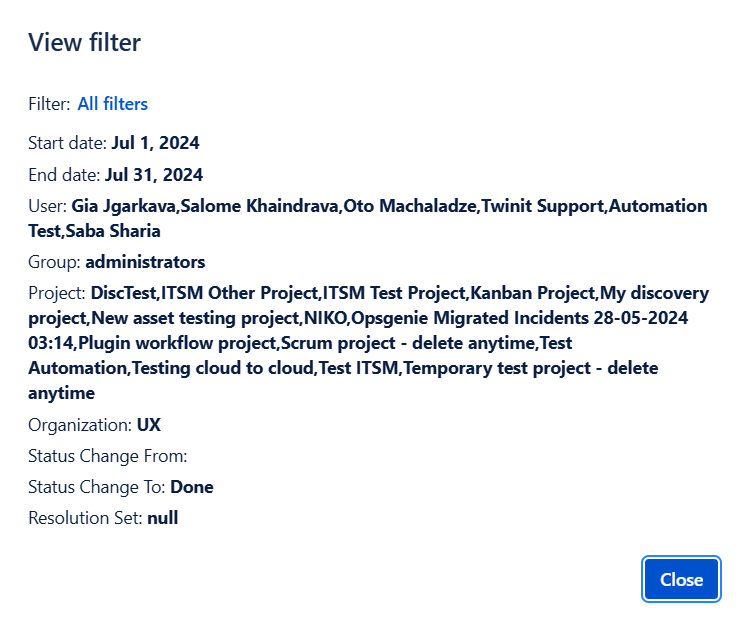
In case of the Saved filters, you will be able to click the Filter name (in blue) and the saved filter will open. For the unsaved filter, “custom“ will be shown in the Filter name.