Policies
Policies
Purpose: Manage policies, standards, procedures and guidelines through drafting, approval, publication, acknowledgement and periodic review.
Permissions: pol.edit to write and publish; pol.approve to approve. A policy’s named approver can approve without pol.approve.
Lifecycle
Policies, standards, procedures and guidelines: drafted, approved, published, acknowledged and reviewed on a cycle.
Where: Settings › Libraries › Policies
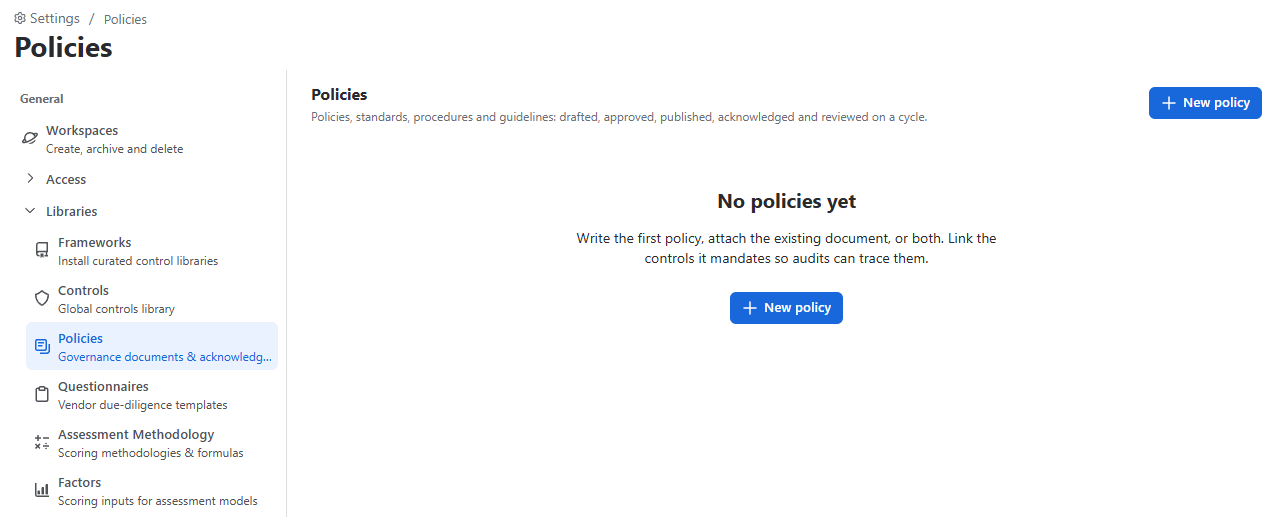
Write the first policy, attach the existing document, or both. Link the controls it mandates so audits can trace them.
- Create – New policy: Title, Category, Version, Purpose, Owner, Approver, Review cycle, Effective date, policy text / document link / file, and Mandated controls.
- Approve – Submit for approval. The approver clicks Approve or Send back with a note. The author cannot approve their own policy unless they are the named approver.
- Publish – Describe what changed; the version is saved in Version history.
- Acknowledge – Request acknowledgement from groups or people. Readers click “I have read this policy”; the Acknowledgements table tracks who has and hasn’t.
- Maintain – Start a revision (new version number; the published version stays in force until the revision is published), Mark reviewed today, or Retire.
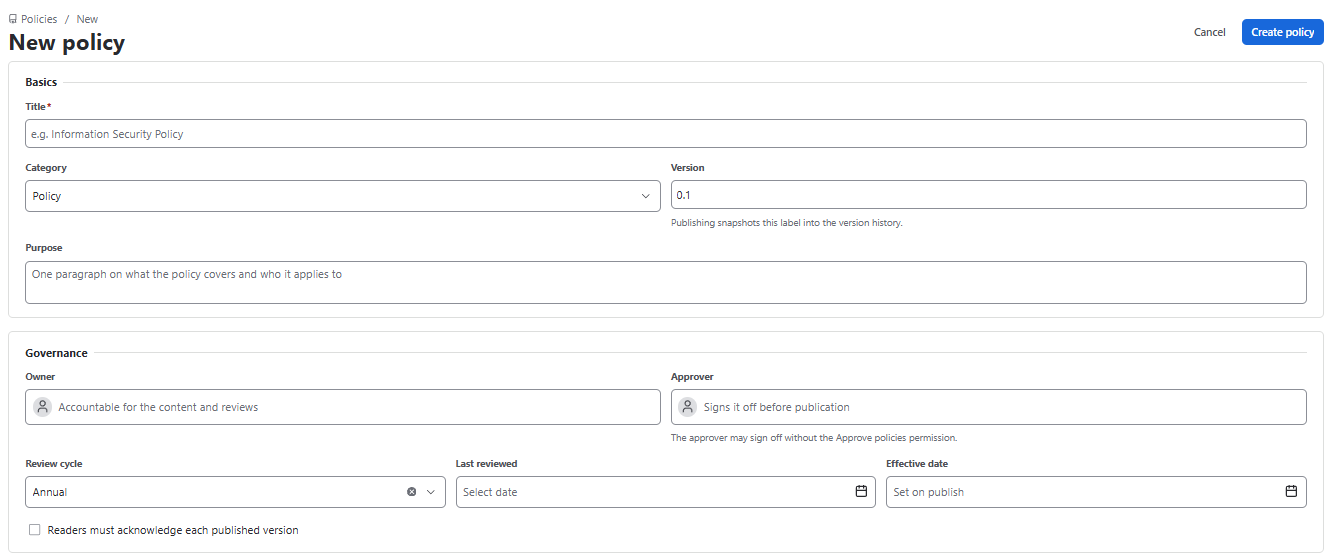
- Policies can require readers to acknowledge each published version.
- Policies link to mandated controls.
- Policies can be used as audit criteria and in exceptions.
- The Policies report shows status, review dates and acknowledgements.