Register settings
Register settings
Each risk register has its own configuration settings that can be accessed from the register list via the three-dot action menu, or from within the register itself via the Settings tab.
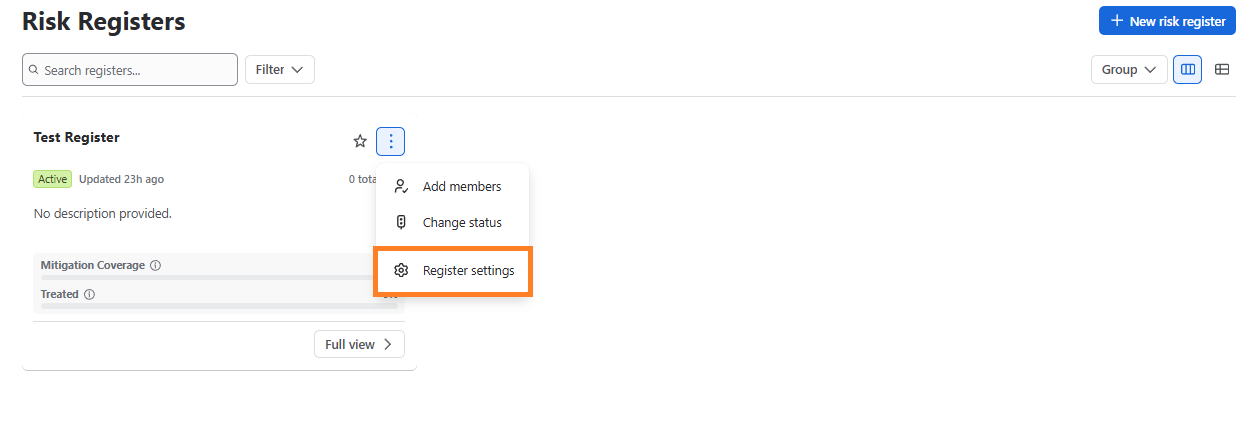
After you click the “Register Settings” button, the page navigates to the relevant screen where you’ll see the following settings:
- Details
- Access
- Layout
- Assessment
- Workflow
- Audits and reviews
- Scenarios
- Integrations
- Data and retention
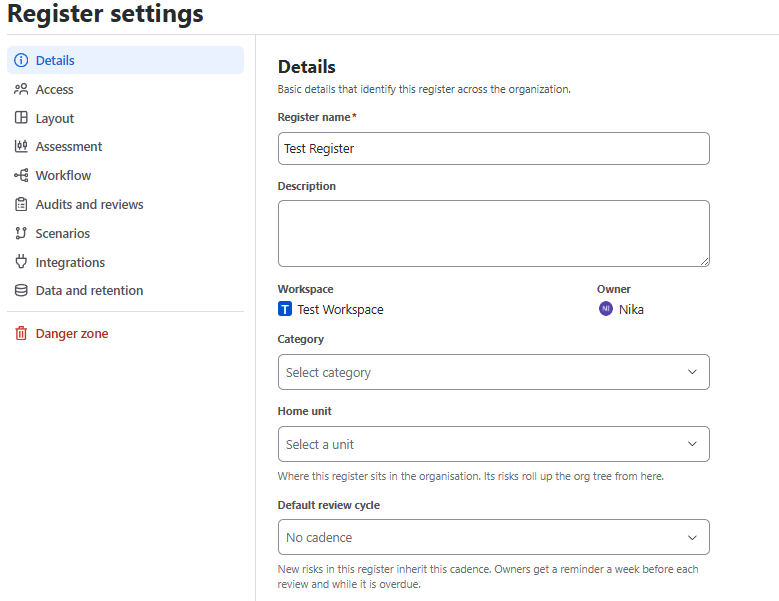
The home unit is the most consequential field here. It decides which access grants reach this register and where its numbers roll up to in reporting. Changing it moves the register in both senses.