Create Risk Register
Create a new register when a set of risks needs its own methodology, its own configuration or its own owner.
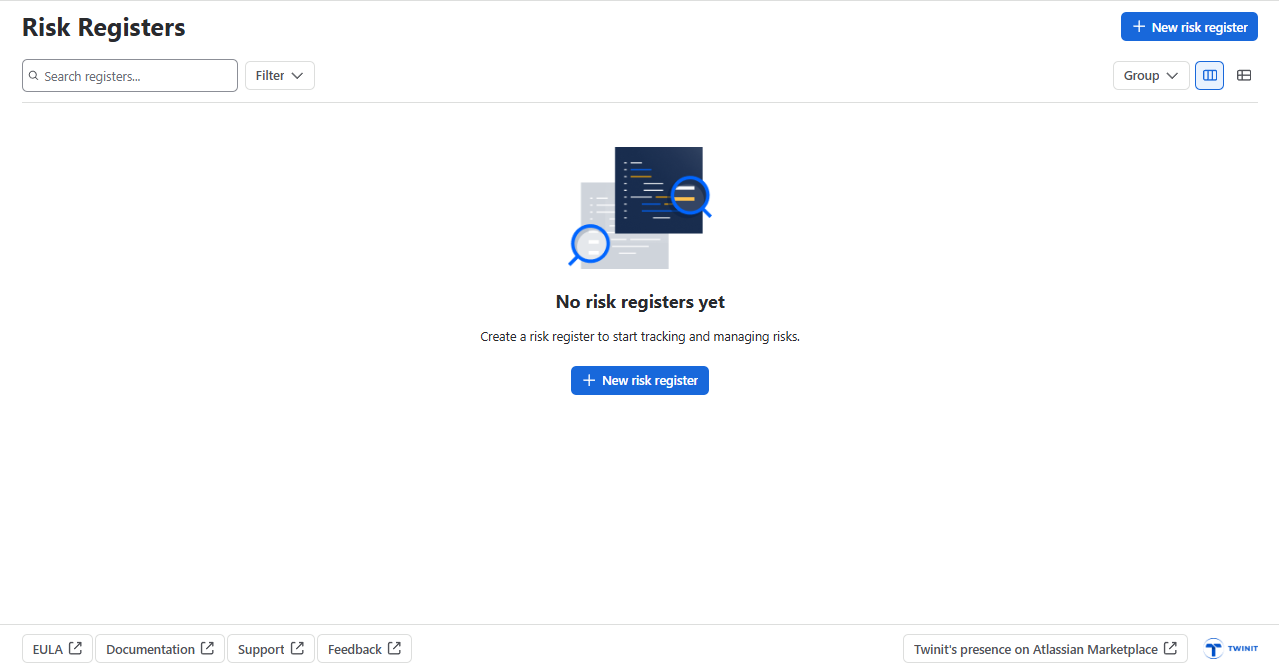
Open Risk Registers and click “New risk register”
Give it a name , Description and choose template. If you choose “Custom” your register will start with the default risk fields. You can add or configure custom fields after creation.
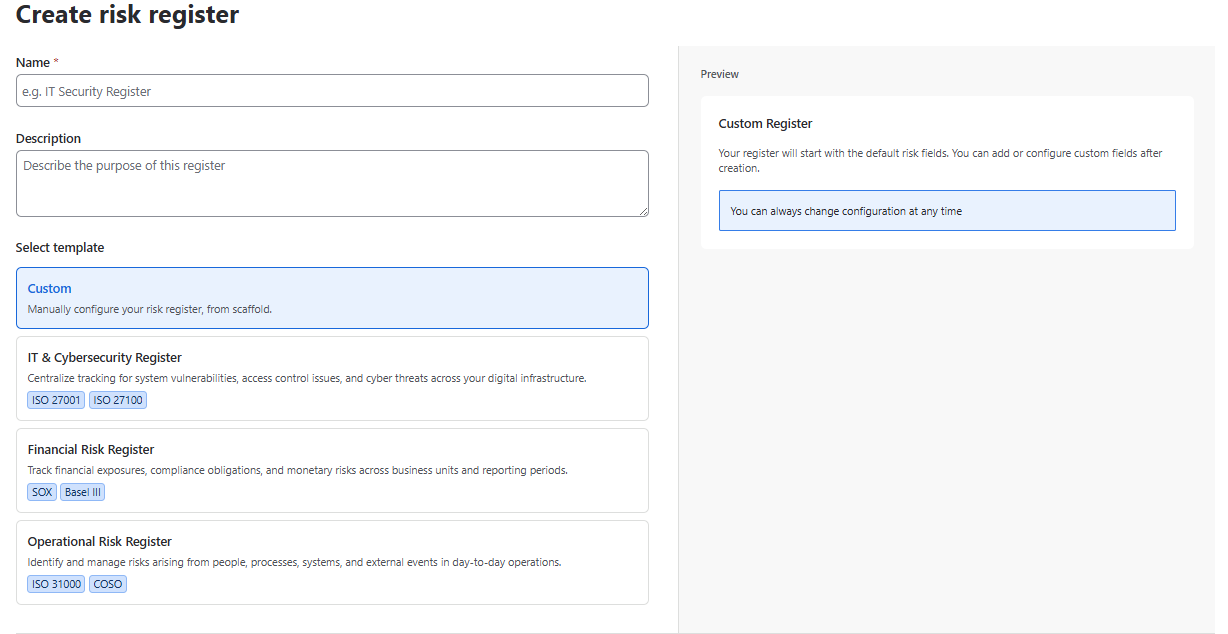
You can always change configuration at any time.
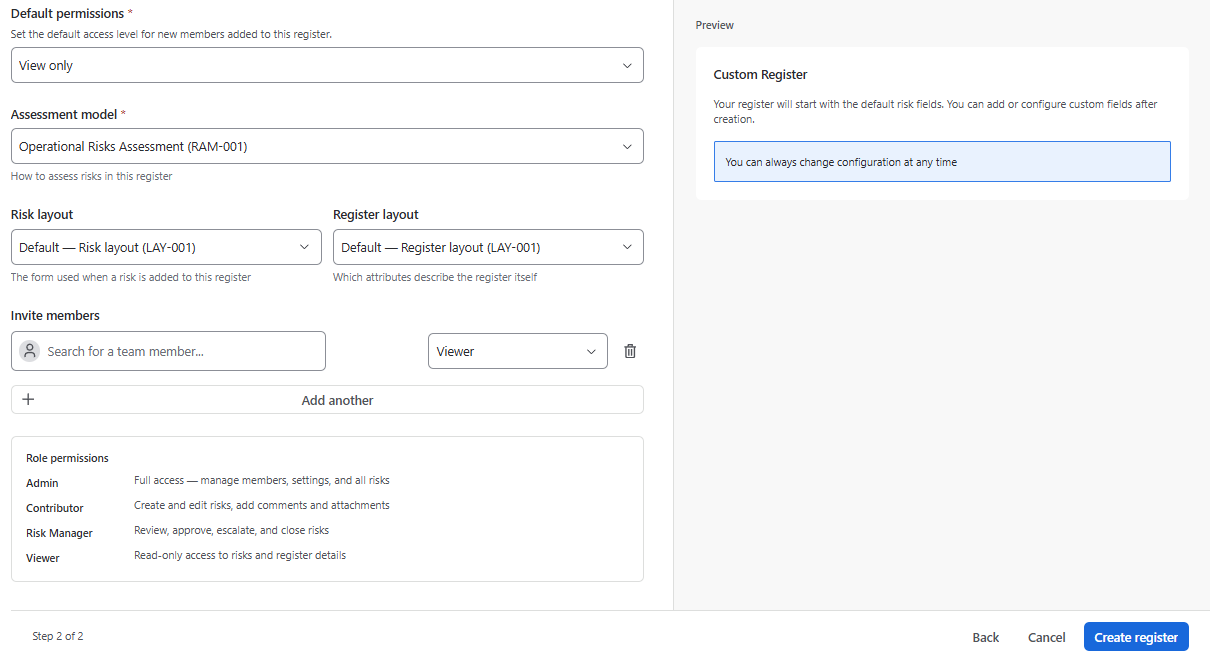
The next step is to choose:
- Default permissions
- Assessment model
- Risk layout
- Register layout
- Members
After finishing the configuration, click “Create Register”
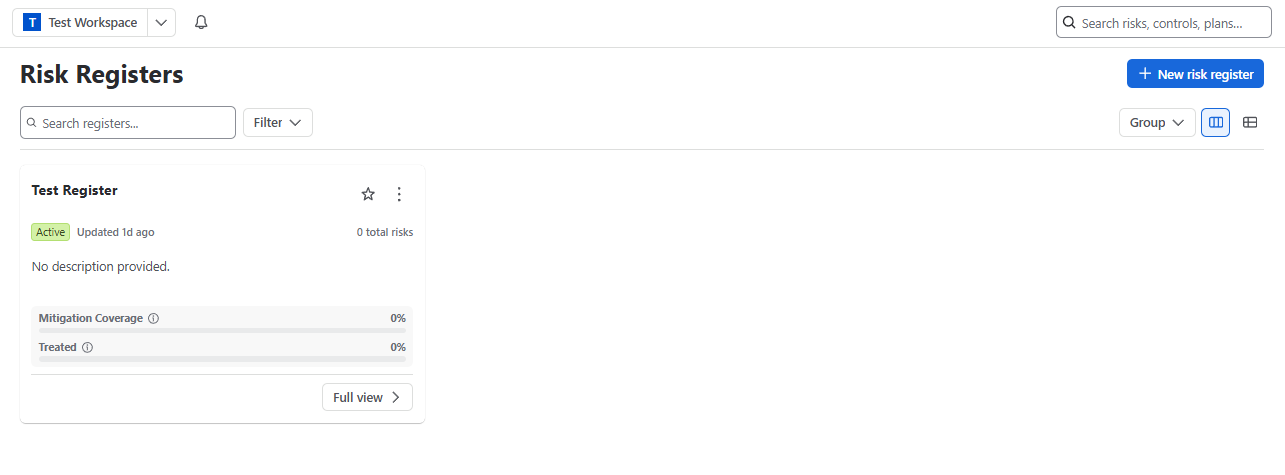
After you create a risk register, it appears on the risk registers grid:
Changing the methodology later has consequences. The register’s existing scored state is frozen and a new branch is created with recalculated scores. Choose deliberately now rather than reorganising after a hundred risks exist.
Your register is empty. Go to Raise your first risk.