Installation Guide
Installation Guide
Browser Notifications for Portal Customers can be installed from the Atlassian Marketplace.
- Navigate to the “Find new Apps” page
- Search for Browser Notifications for Portal Customers and click on the “Try it Free” button.
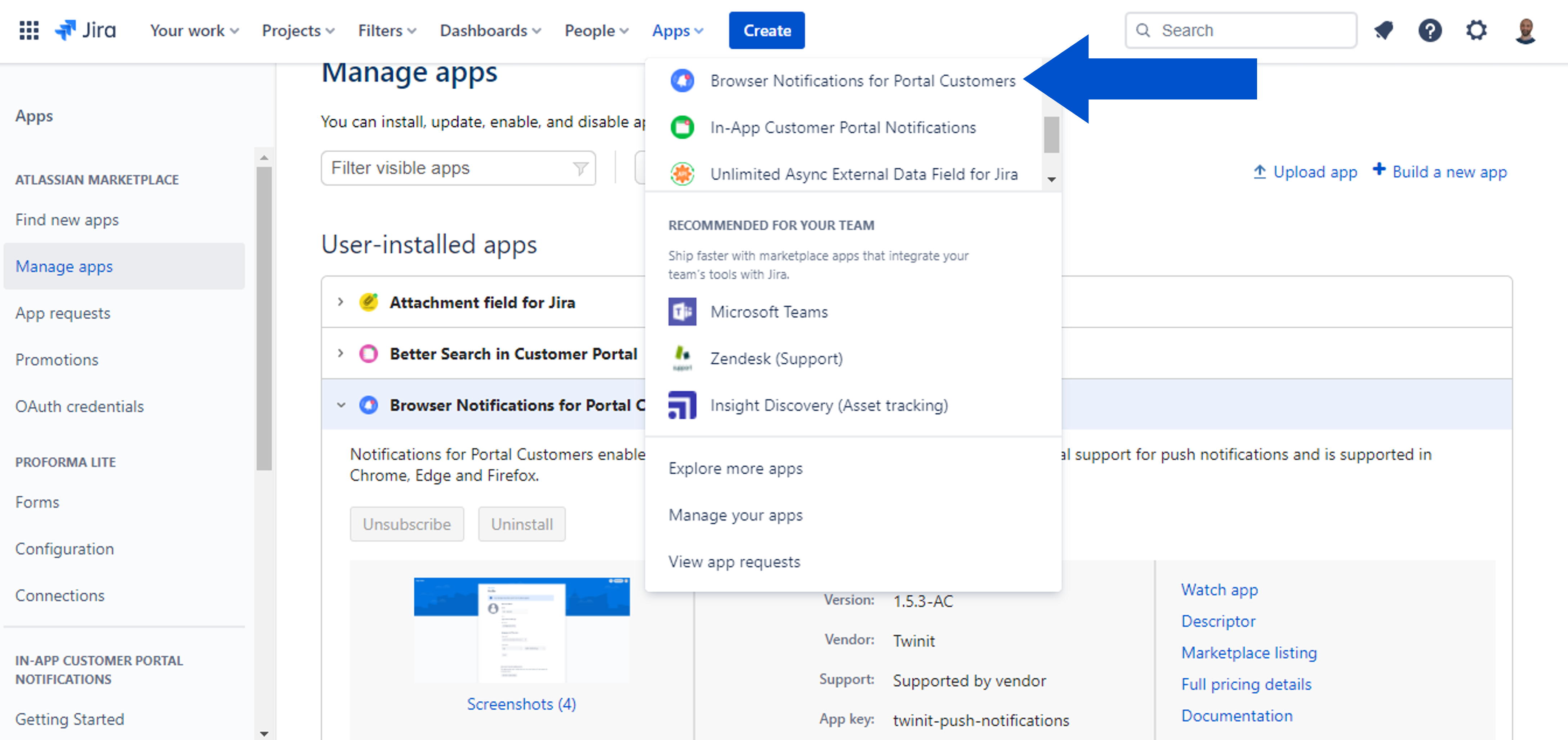
- To Start the configuration go to the “Apps” dropdown on the top ribbon and select Browser Notifications for Portal Customers.
- To uninstall the Browser Notifications for Portal Customers go to the “Manage Apps” page find the Browser Notifications for Portal Customers expand it and click on the “Uninstall” button.
After first installation, administration for Browser Notifications for Portal Customers is available in the “Apps” administration menu:
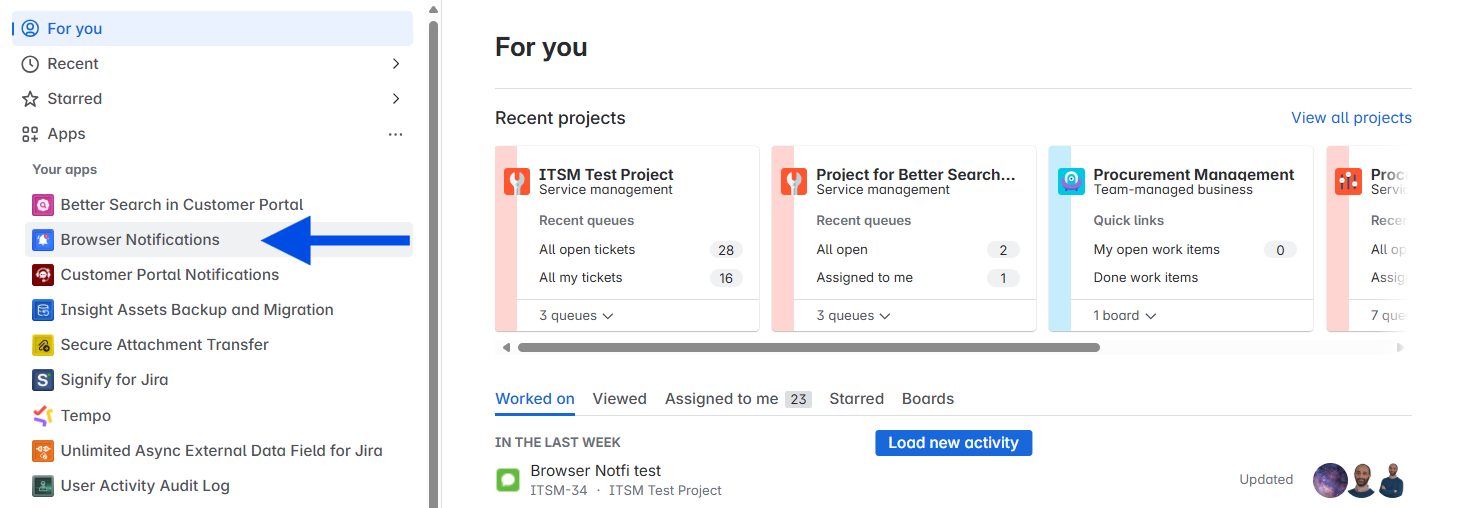
After clicking Push notifications, the user will be navigated to the configuration page. The configuration page shows the button for activating push notifications for the Jira instance:
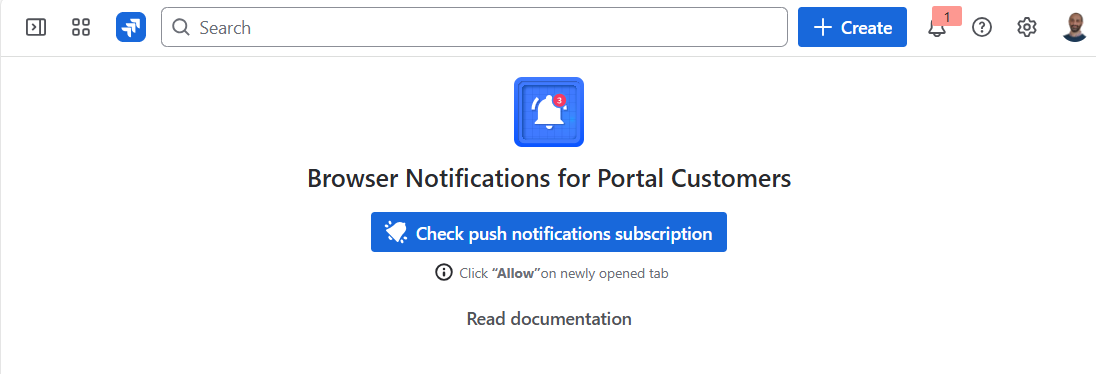
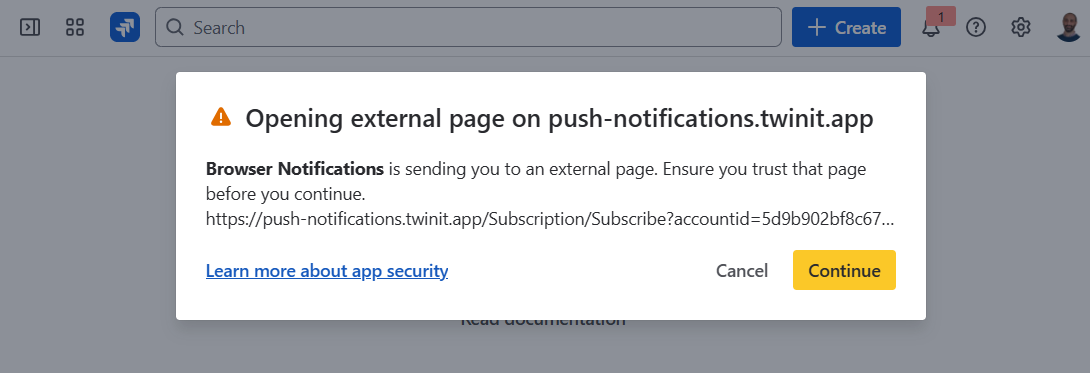
Click the “Check push notifications subscription” button and further click the “Continue“ button to activate the app and you will be able to subscribe for browser notifications. Please see Jira User Guide and Customer Portal User Guide for further instructions.