Trusted Users
Trusted User is the user who is given access to the backups via Assets Backup Vault. To add a trusted user, navigate to the app in Jira via Apps menu, select Insight Assets Backup & Migration and click Assets backup vault in the top menu:
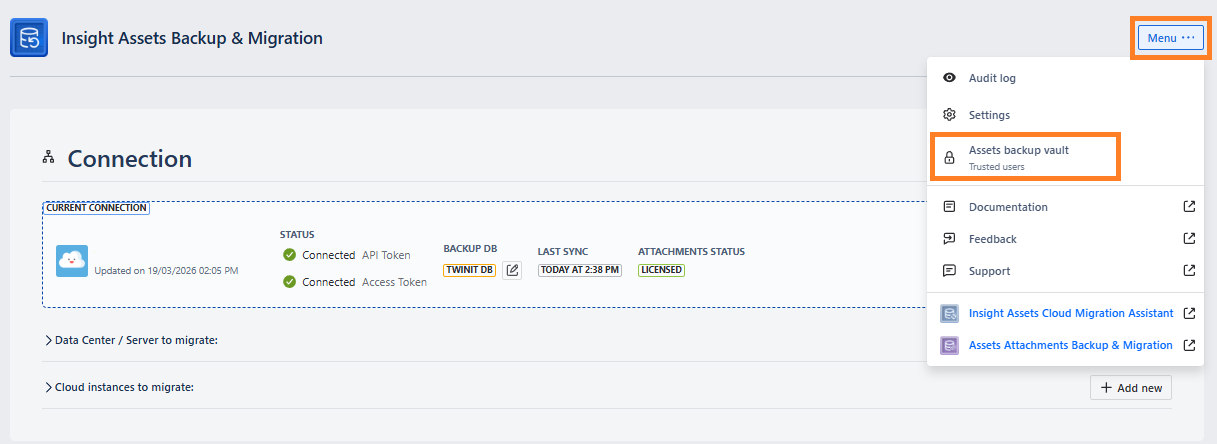
After clicking Assets backup vault, you will see a popup where you can add or remove trusted users.
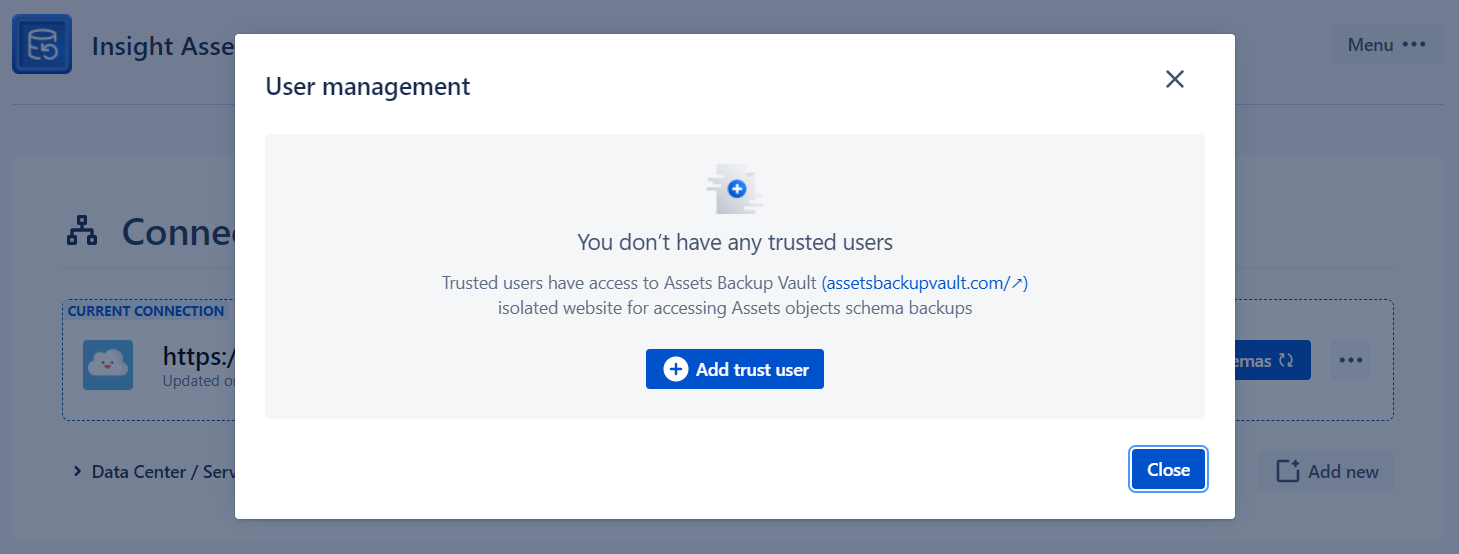
Clicking “+ Add trusted users“ button will show a windows where you can enter email address of the user to be invited to Assets backup vault.
Only emails with Google or Microsoft authentication can access Assets backup vault!
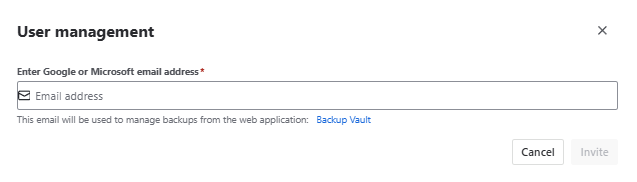
After entering an email and clicking Invite, an invitation email will be sent to the user and the user will be added to the trusted users list:
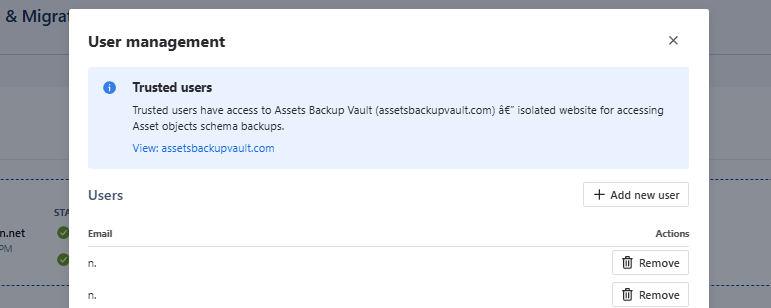
You can remove the trusted user from the list by clicking the “Remove“ button and by confirming user deletion.