Linked Work Item
Linked Work Item
What The Feature Does
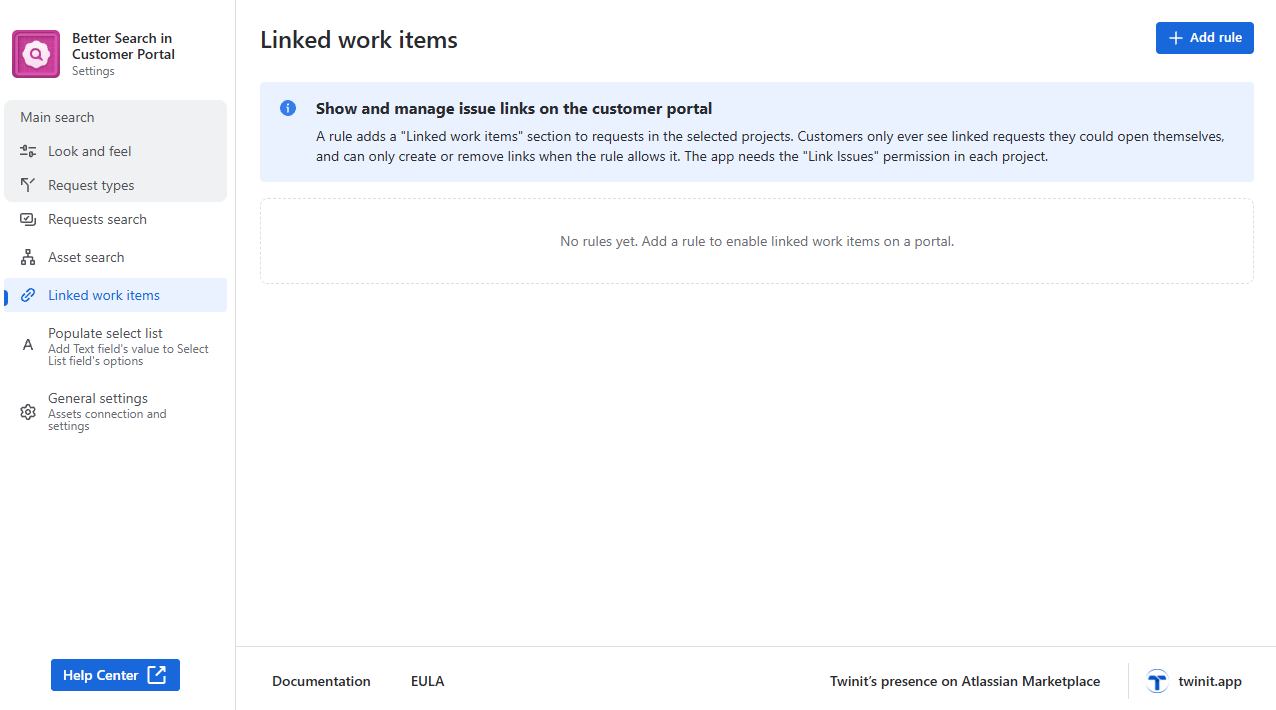
Linked work items brings Jira’s Link work item function to the Jira Service Management customer portal. Customers can connect their request to other requests they can see -for example “is blocked by SD-123” or “relates to SD-98” - without needing a Jira license.
Customers can link work items in two places:
- On the request create form - they pick work items while raising the request. The links are created automatically right after the request is sent.
- On the request page - they open an existing request, press Link work item, and the link is created immediately.
Existing links are listed on the request page, grouped by link type, just like in Jira’s issue view. If allowed, customers can also remove links.
Everything is controlled by rules that a Jira administrator sets up: which projects and request types the feature is on for, which link types customers may use, who may link, and what the picker searches.
| Requirement | Details |
|---|---|
| Jira administrator access | Only Jira administrators can open the app’s configuration page. |
| “Link Issues” permission for the app | The app creates links on the customer’s behalf. In every service management project where you enable the feature, the app user must hold the Link Issues project permission (and Browse Projects). Without it, customers see: “The app is not allowed to create links in this project. Ask a Jira administrator to grant the app the ‘Link Issues’ permission.” |
| Issue linking enabled | Issue linking must be switched on for the Jira site, and the link types you want to offer must exist (Jira settings > Issues > Issue linking). |